- Go to the customer management dashboard.
- Click on the action
 menu for the customer you want to add notes to.
 - Select Enhanced Customer Notes.
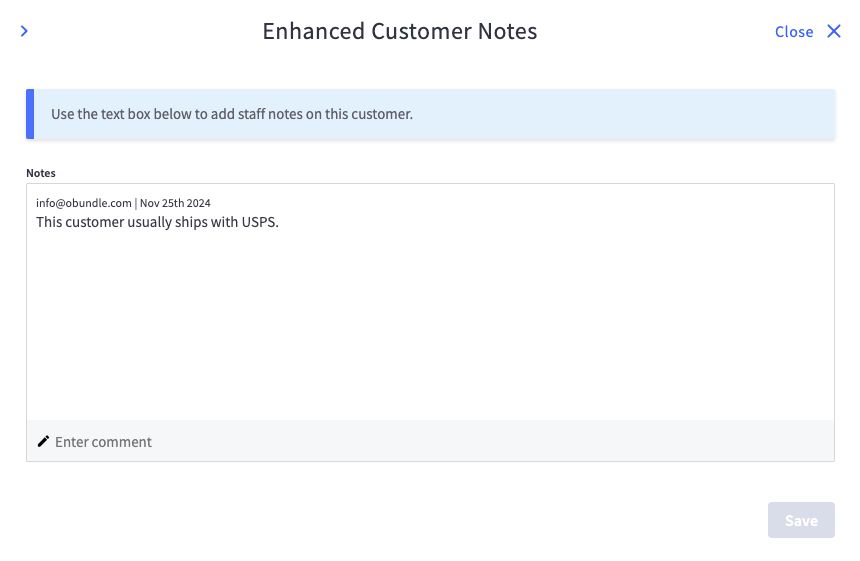
- Add a comment in the text box and save.

- The comment will be added to the notes box and include the logged in user as well as a timestamp.